> For the complete documentation index, see [llms.txt](https://docs.lisalab.io/llms.txt). Markdown versions of documentation pages are available by appending `.md` to page URLs; this page is available as [Markdown](https://docs.lisalab.io/features-how-tos/send-lisa-tokens.md).
# Send LISA Tokens
Due to the absence of a LISA rebasing mechanism, similar to Lido's, not all wallets or explorers may accurately display the correct amount of rebasing tokens in your holdings. This also results in issues that prevent you from sending LISA tokens to another Stacks address.
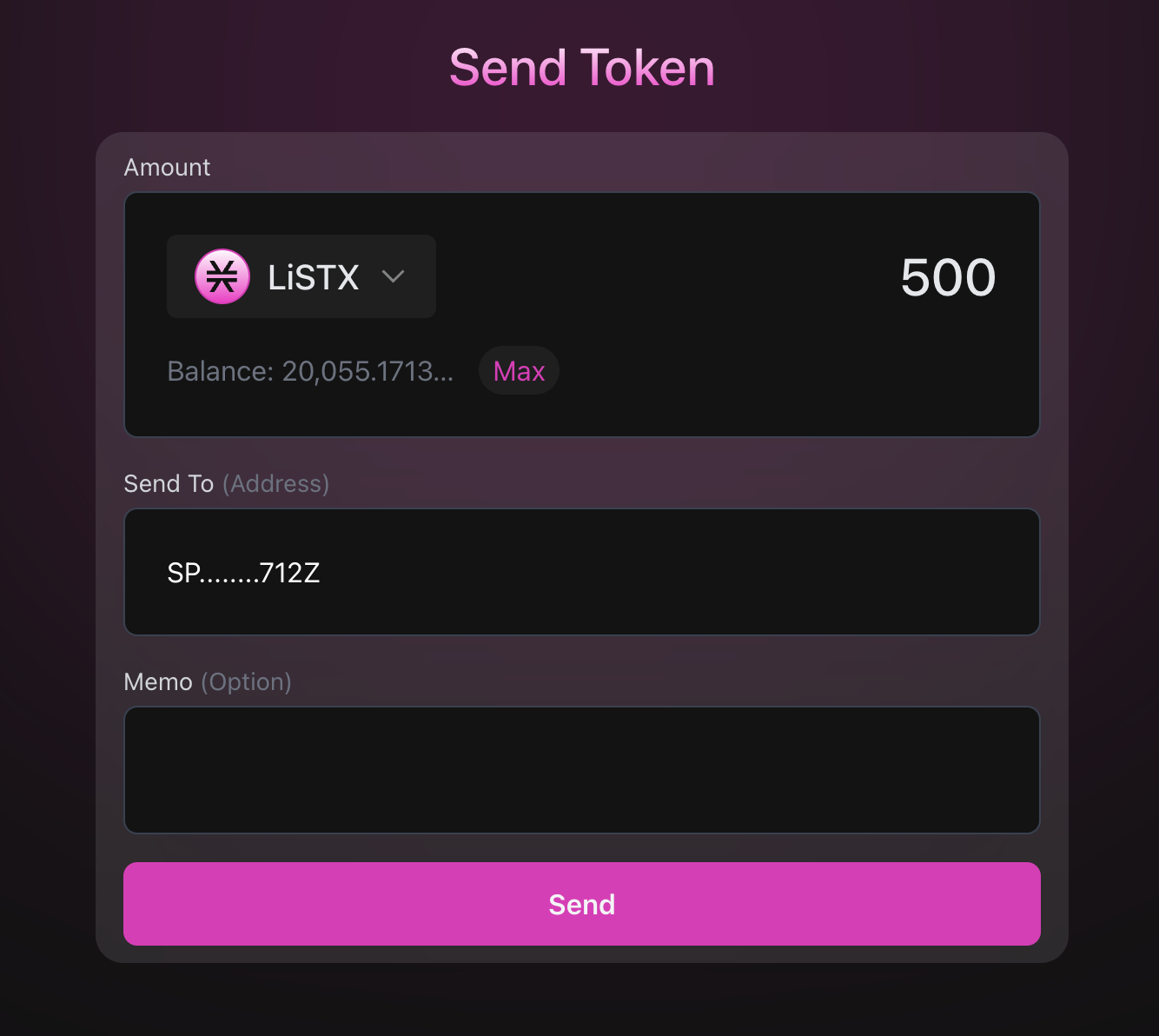
By using the LISA Send feature, you will be able to send the correct amount of LISA tokens to another address.
**To Send:**
1. Navigate to LISA Send:
2. Select the asset you wish to send.
3. Enter the amount and paste the recipient's address.
4. Click Send.
Please note, the amount sent might not reflect correctly in the Explorer. Therefore, you may need to advise your recipient to wait for confirmation.
Then, they can use the LISA UI to check their balance.